 ®
On account creation, we ask you to enter an email address. We then send you an email which contains a PIN code. You will then set a PIN code for logging in.
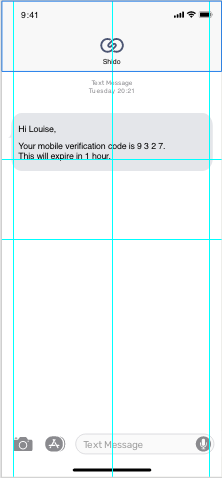
After verifying your email, we ask you to confirm your phone number for recovery reasons. We then send you a text message containing a PIN code.
After inputting this, we verify your phone number.
Both email and phone numbers can be updated via 'settings' in the App at any time.