
How can I change my payment method?

You can change your payment method on the Shido website by going to My account -> Payment method and click Change.

If your subscription is managed in Google Play or the App stores, you should be able to select a different payment method to use in phone settings.
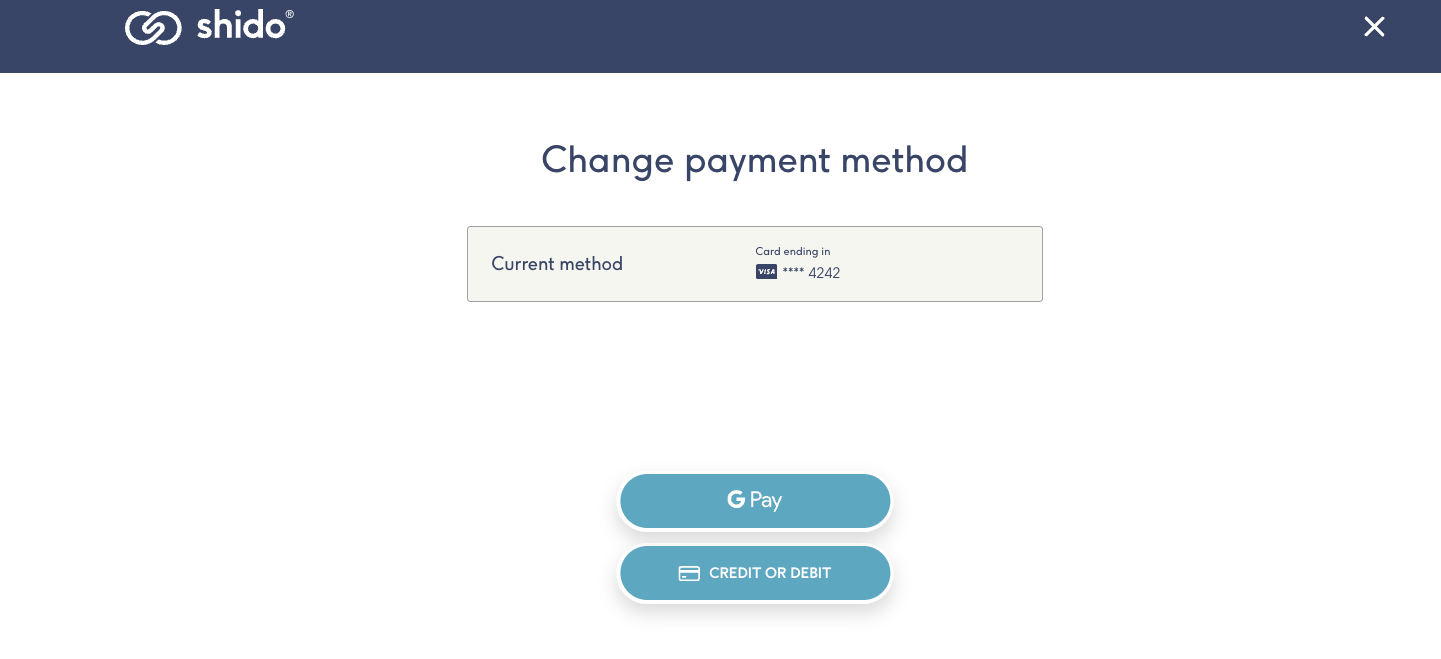
Change payment method on Shido.com

Did this help?


Contact us

Still stuck?

Send us a message and a member of the Shido team will get back to you by email.

Optional: a screenshot or PDF, up to 4 MB. If something isn’t working, tell us your phone model too.